MR / Meta Quest, Pico
SketchAR for Meta Quest and Pico
SketchAR
Task
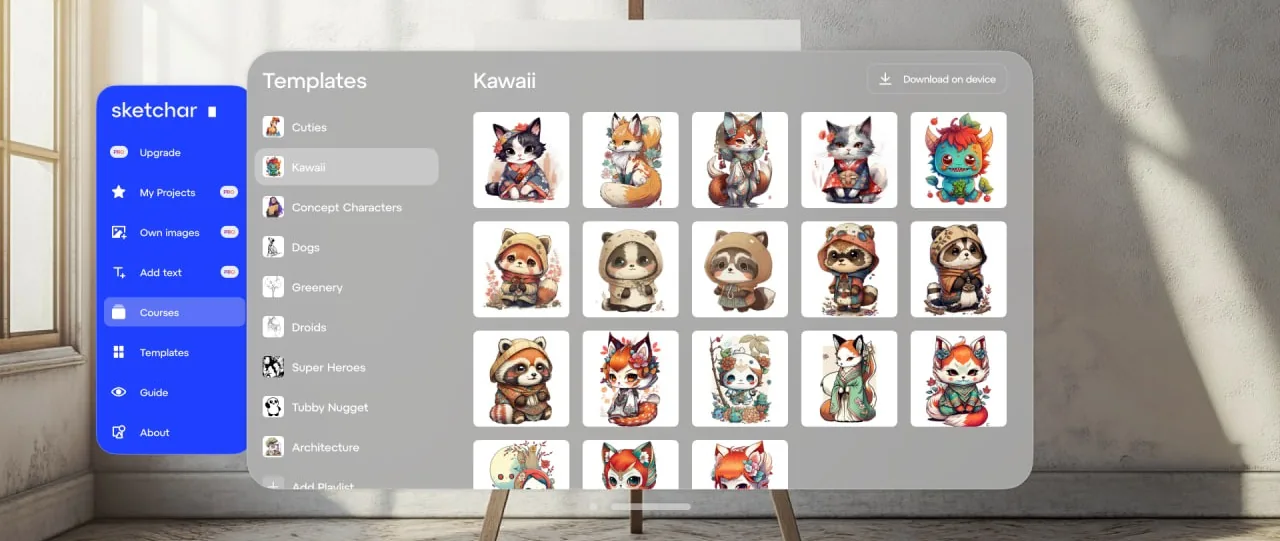
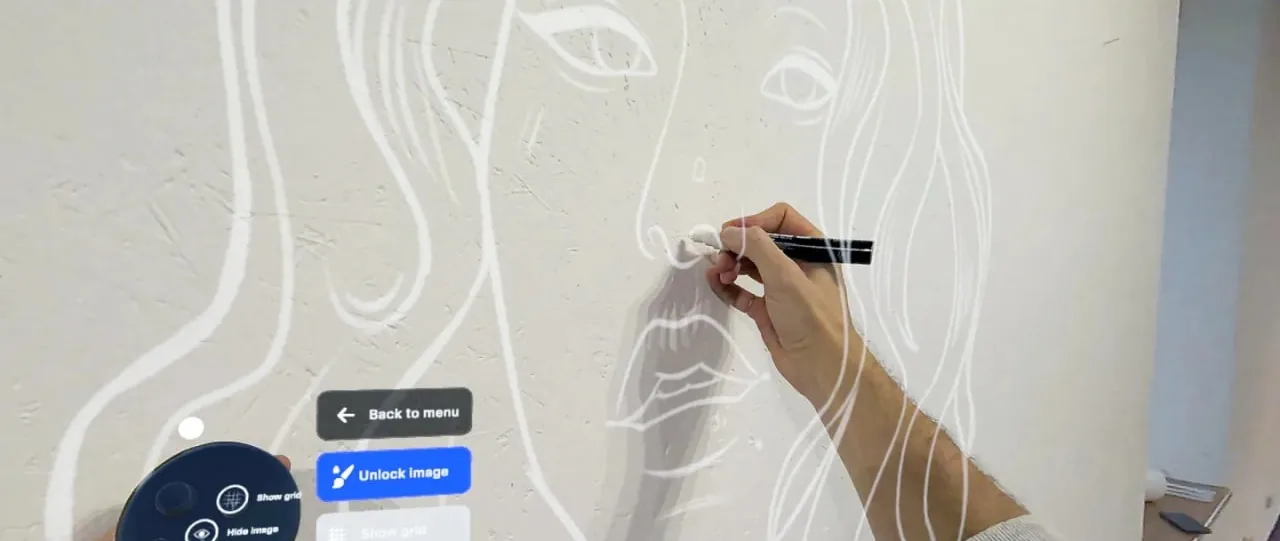
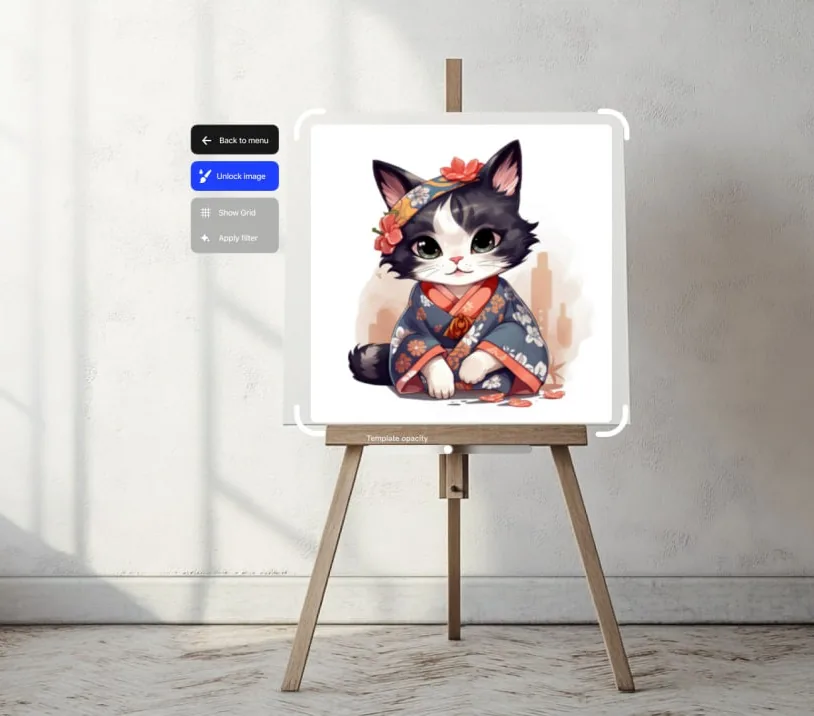
Bring an AR drawing app with an audience of more than 2 million people to headsets: the sketch hangs on a real wall in mixed reality and the person traces it by hand. Two platforms with different SDKs — without two separate products.
What we built
- A shared Unity core package (425 files, about 1,800 tests) with thin hosts for Meta and Pico; platform SDKs plug in through abstract providers.
- Our own 3D interface system with haptics for each hand.
- Image deformation to fit the surface: trapezoid, cylinder, sphere, a fold with a draggable line.
- Drawing together in one room: shared spatial anchors, Bluetooth discovery, our own network protocol, host failover.
- Courses, templates, Google Drive and Dropbox, offline downloads, a subscription, 11 languages with automated text-fit checks.
Engineering decisions
- Networking with no third-party engine.
- CI/CD to the Meta Quest Store and Pico Store through ALPHA → BETA → STORE channels.
- Errors from Sentry automatically turn into draft fixes.
- An R&D prototype of AprilTag-based stabilisation through the Quest 3 camera, tested on the device.
Outcome and status
Meta at version 1.11, Pico at alpha 1.1.
Stack
Unity 6, OpenXR, Meta XR SDK (MRUK, Interaction SDK), PICO SDK, Sentry, GitHub Actions