Mobile / iOS · Pose tracking
Rapty — a dance battle played with your body
Task
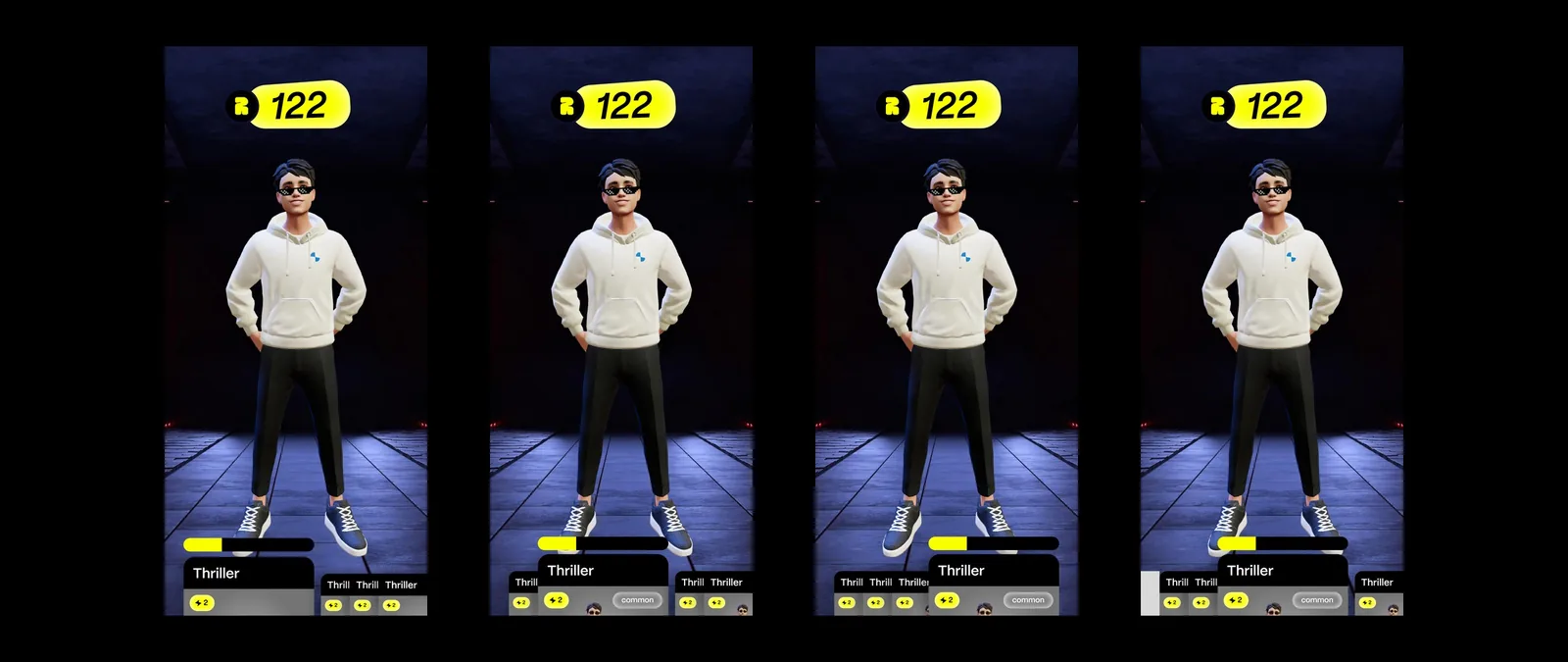
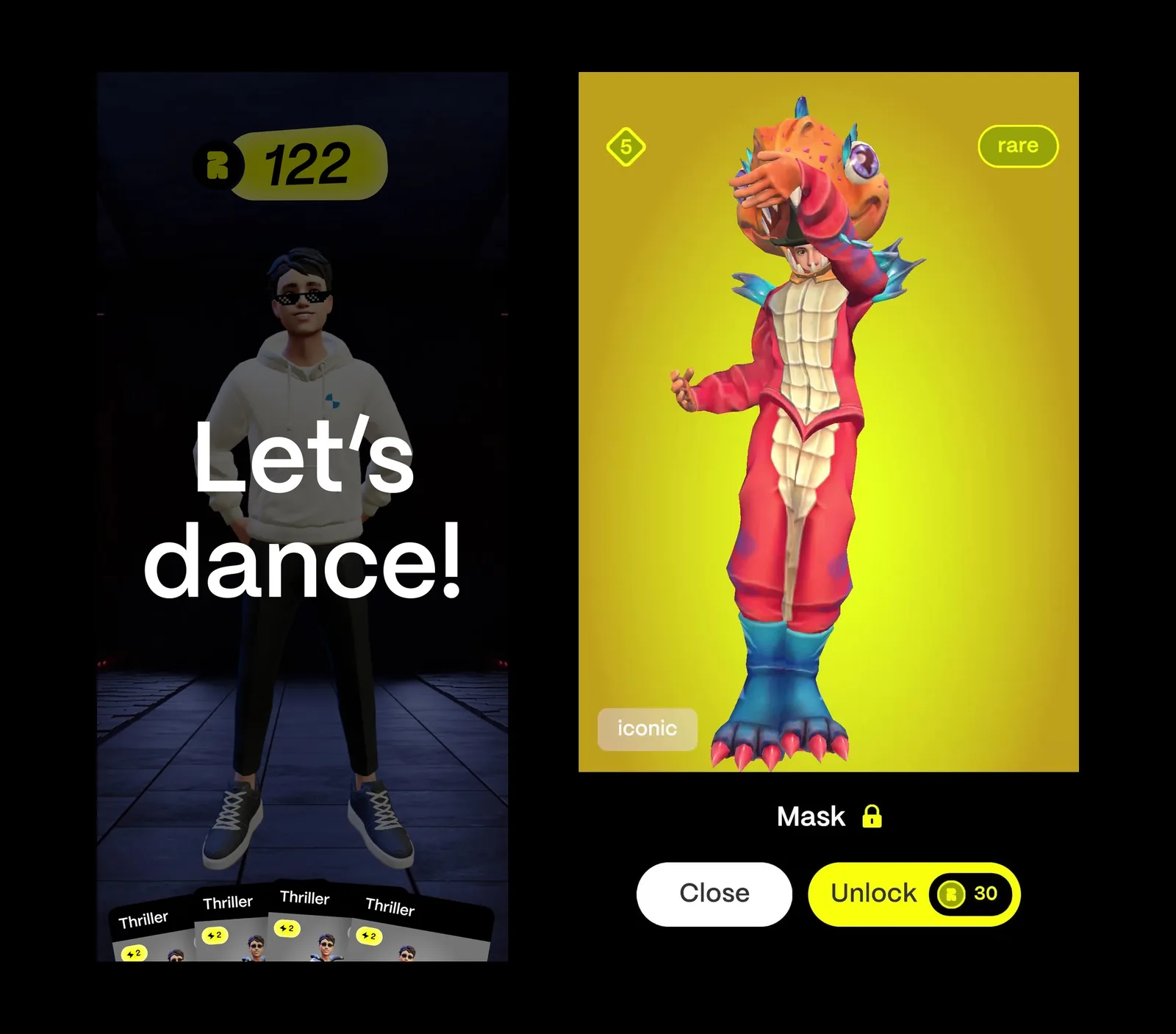
A mobile game where you don’t press buttons, you dance: the phone camera watches the player, and their moves decide the outcome of a dance battle between avatars.
What we built
- A dance battle for iOS: the player assembles up to four move cards, places a bet and battles an opponent matched by the server.
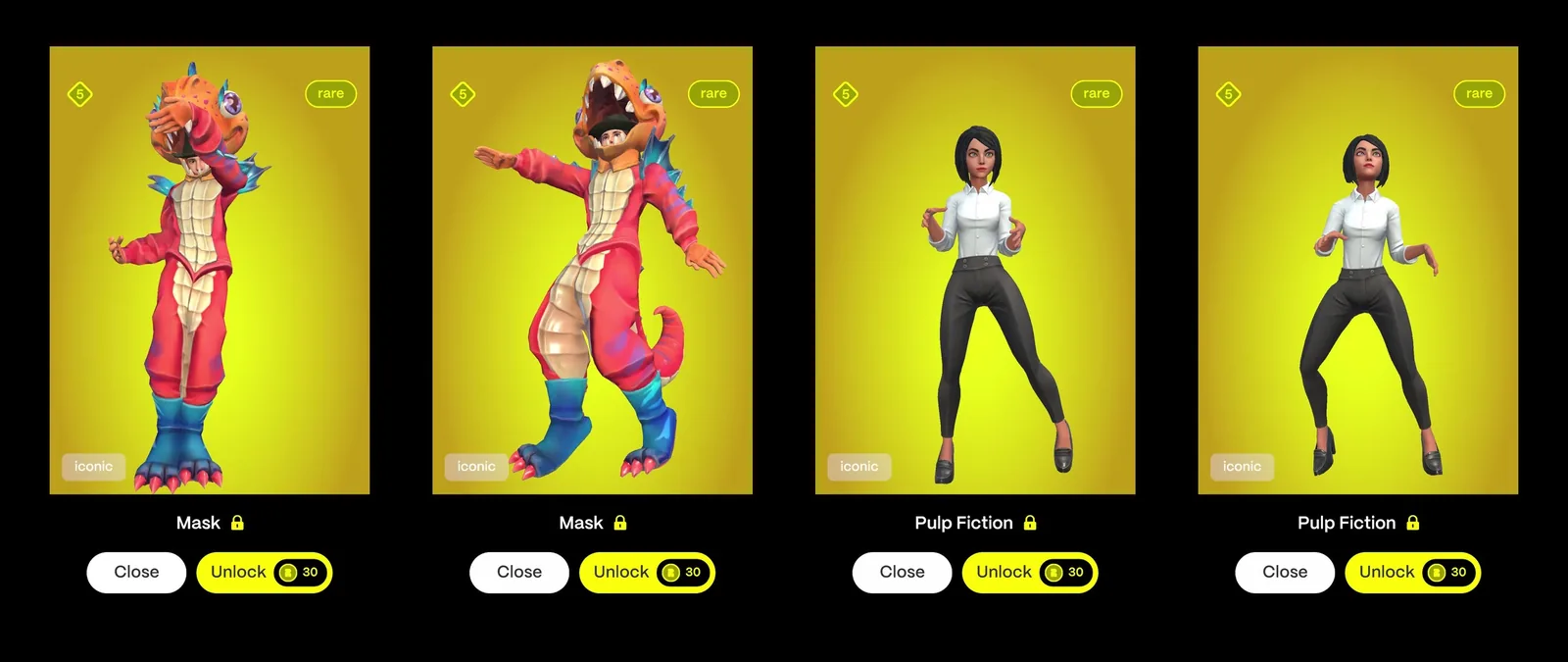
- 15 dance cards with rarity, an unlock price and a usage price — from Thriller to Ice Ice Baby.
- Ready Player Me 3D avatars for the player and the opponent, loaded at runtime.
- Sign in with Apple, profile, card collection, preparation, battle, results and a leaderboard.
- A QTE editor: frame-by-frame scrubbing through a dance clip and placing the moments where the player has to repeat a move.
Engineering decisions
- Real-time body pose estimation right on the phone: BlazePose through NatML, 13 joints, mirrored for the front camera.
- Move scoring: a joint has to travel a set distance in the direction of an arrow, scoring 1 to 4 points, while the animation waits for the player.
- QTE events are injected into animation clips at runtime, and clips are swapped on the fly.
- A Cinemachine camera follows the joint the player has to move.
Outcome and status
An alpha build for iOS (v0.3), 2023.
Stack
Unity 2021, URP, NatML (BlazePose), VideoKit, Ready Player Me, Cinemachine, PHP API